

Color Mapper
TRANSFER COLORS FROM RASTER TO VECTOR
Need to transfer the colors of a raster image to prepared vector artwork?
Place the vector objects over the raster reference and run Color Mapper. The script samples the color beneath the center of each vector object and applies it automatically.
No more matching colors for hundreds of objects by hand.

INDIVIDUAL LICENSE
1 USER up to 2 DEVICES

TEAM LICENSE
UP TO 10 USERS
HOW COLOR MAPPER WORKS
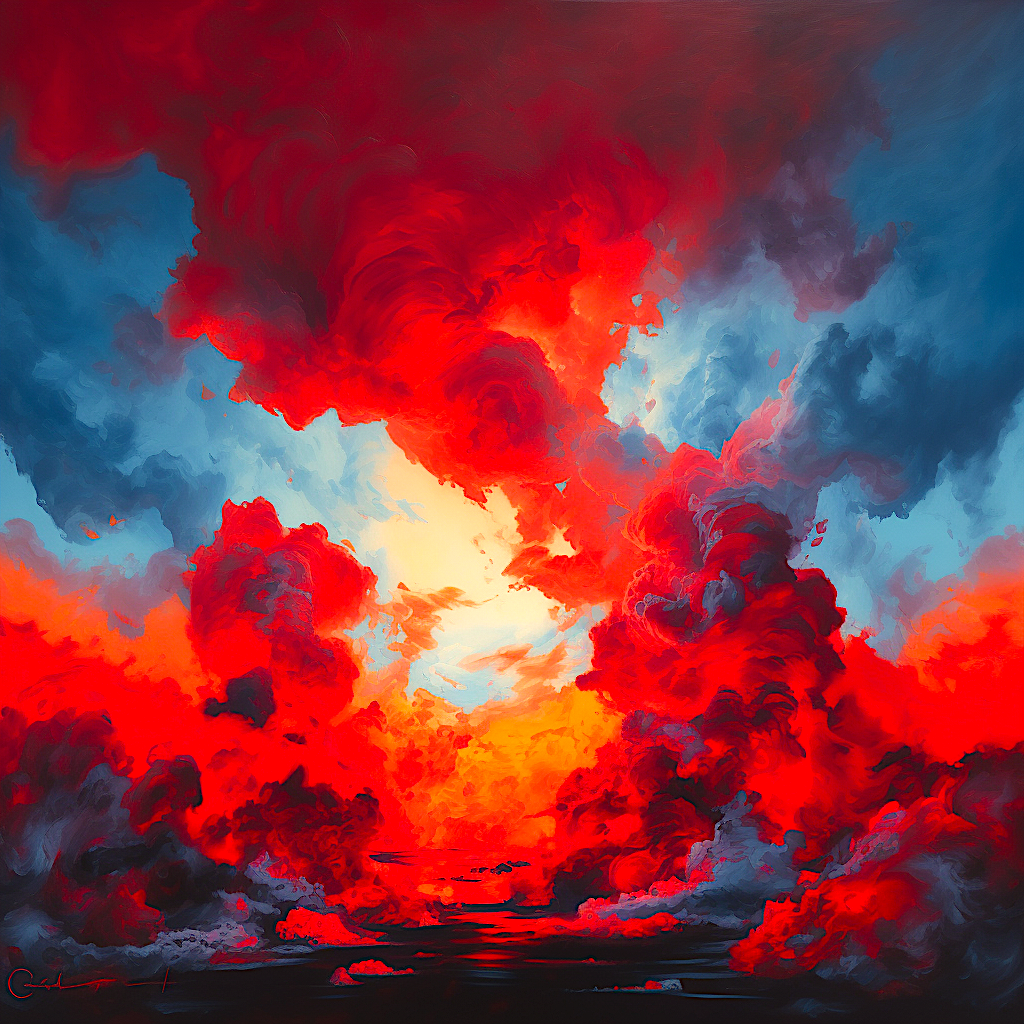
RASTER REFERENCE
Place the raster image on the bottom layer.
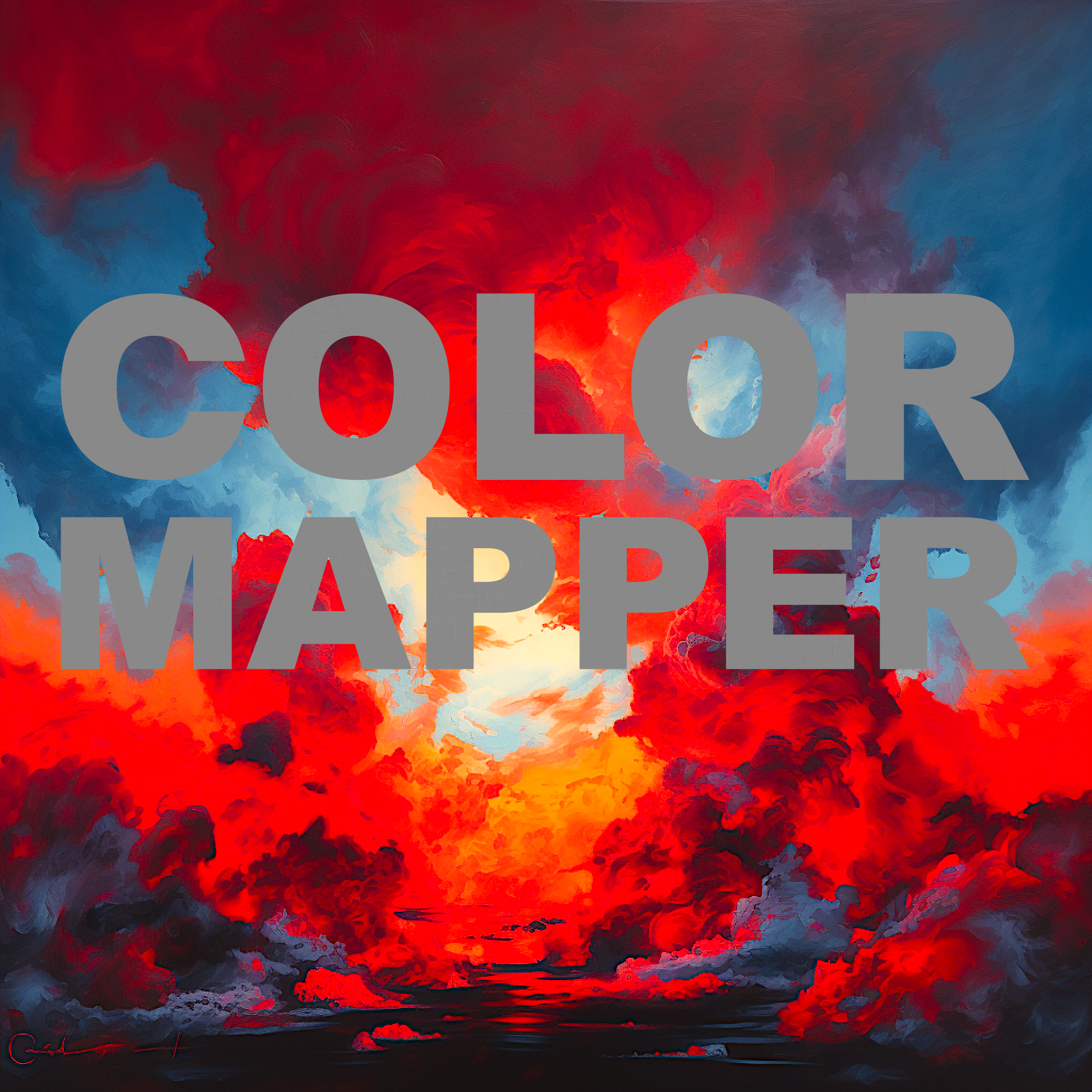
PREPARED VECTOR ARTWORK
Place the vector objects over the raster reference.
RUN COLOR MAPPER
Open:
File → Scripts → Color Mapper and click START COLOR MAPPING.
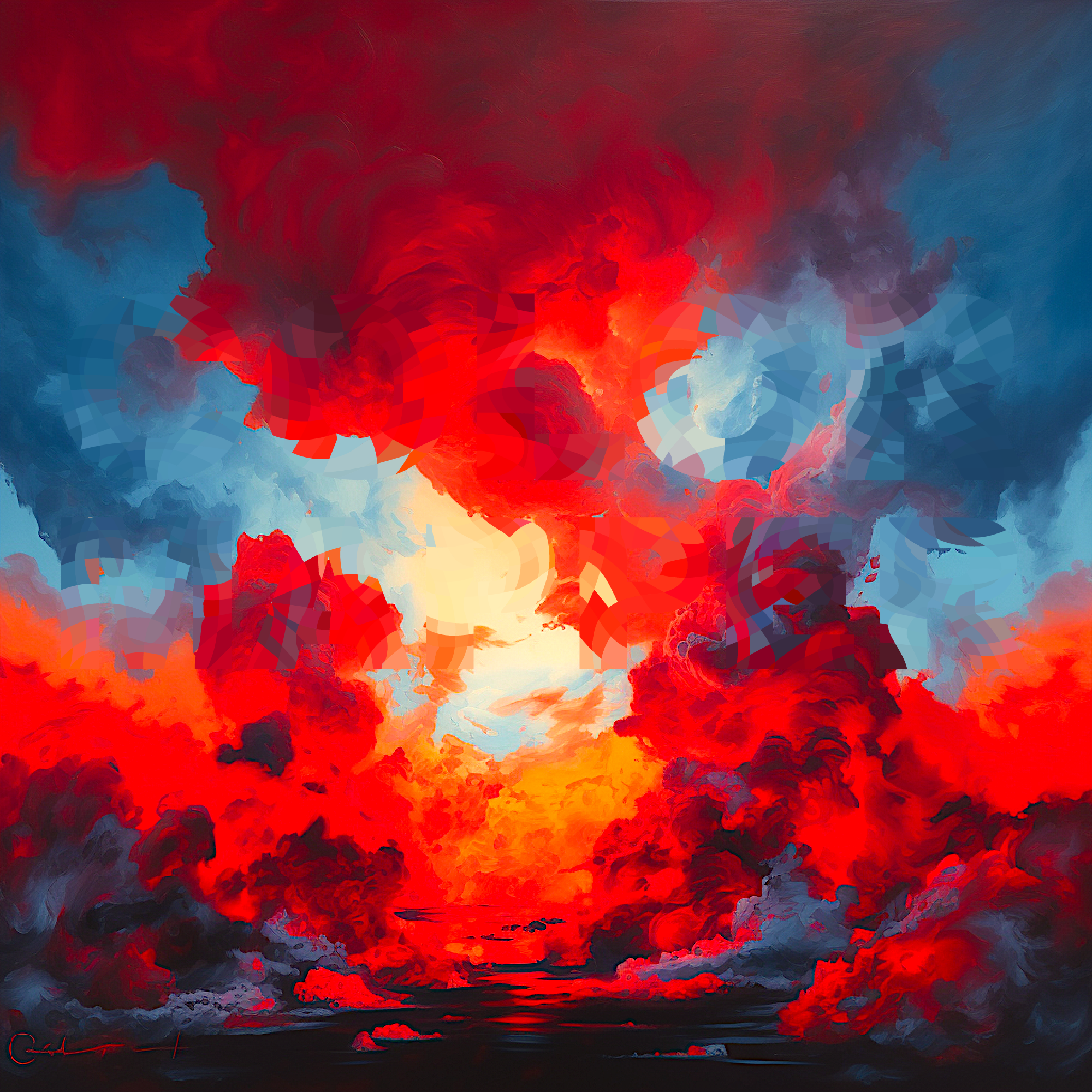
COLORED VECTOR ARTWORK
Color Mapper samples and applies the colors automatically.
NO MORE MATCHING COLORS FOR HUNDREDS OF OBJECTS BY HAND
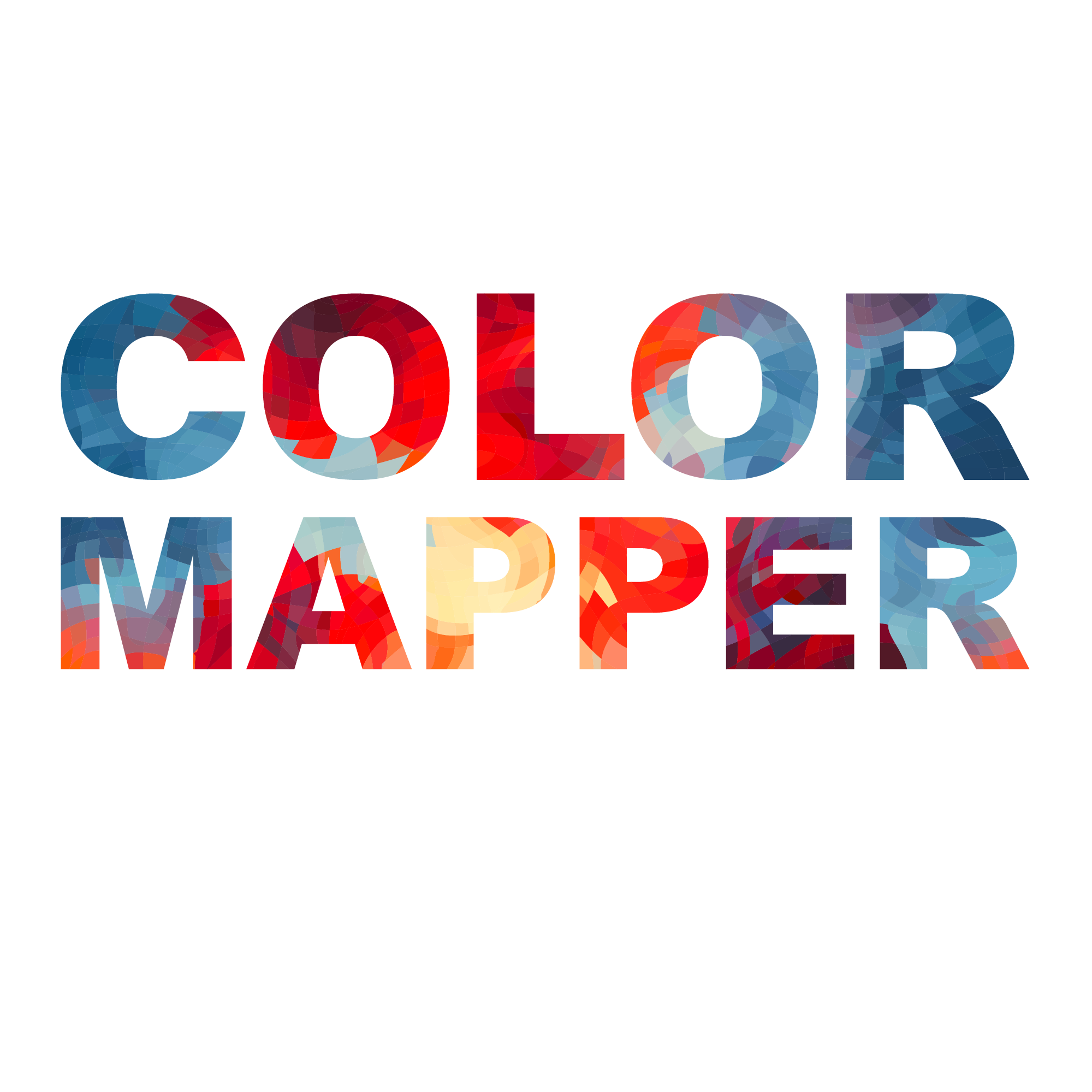
FROM AI-GENERATED RASTER TO COLORED VECTOR
DO YOU OFTEN NEED TO VECTORIZE AI-GENERATED RASTER IMAGES?
Creating the vector shapes is only part of the job. Matching the original colors across hundreds of separate objects can take even longer.
Place your prepared vector artwork over the raster reference and run Color Mapper. The script samples the color beneath the center of each vector object and applies it automatically.
Color Mapper applies colors to prepared vector objects. It does not create or trace vector shapes.
LET COLOR MAPPER HANDLE THE COLOR MATCHING
AI-GENERATED RASTER REFERENCE
Use the raster image as your color reference.
VECTOR OUTLINE
Create or trace the required vector shapes.

ALIGN THE VECTOR ARTWORK
Place the prepared vector objects directly over the raster reference.

RUN COLOR MAPPER
Open:
File → Scripts → Color Mapper and click START COLOR MAPPING.
COLORED VECTOR ARTWORK
Colors sampled from the raster reference are applied automatically.
HOW COLOR MAPPER WORKS
- PREPARE THE DOCUMENT — Use RGB color mode and activate the artboard you want to process.
- ARRANGE THE LAYERS — Place closed, filled vector objects on the top visible, unlocked layer and the raster reference on the visible, unlocked layer directly below. Hide all other layers.
- RUN COLOR MAPPER — Open File → Scripts → Color Mapper and click START COLOR MAPPING.
- REVIEW THE RESULT — Check the recolored fills before saving your document.
REQUIREMENTS
- Adobe Illustrator 2025, 2026
- macOS or Windows
- RGB documents only
- One active artboard
- Closed, filled vector paths or compound paths
- Raster reference placed directly below the vector layer
- Source layers and objects visible and unlocked
- All other layers hidden
IMPORTANT TO KNOW
- Color Mapper processes the active artboard only.
- It changes vector fills but leaves existing strokes unchanged.
- It does not create vector shapes or automatically trace raster images.
- Source layers are detected automatically; there are no manual layer selectors.
- Open, unfilled, hidden and locked objects are not processed.
INCLUDED WITH COLOR MAPPER
- Protected Color Mapper script
- README
- Quick-Start Guide for macOS and Windows
- Full User Guide
- Package Contents
- Important Do-Not-Edit Notice