

Gradient Catcher
REBUILD VECTOR GRADIENTS FROM A RASTER REFERENCE
Need to match a vector gradient to the colors of a photograph, texture, render, or painted reference?
Place the raster reference below a single vector path with a linear or radial gradient fill. Gradient Catcher samples colors along the gradient's direction and applies them automatically.
Keep the existing stop positions or replace them with 2 to 20 evenly spaced stops. The gradient type, direction, angle, and length remain unchanged.

INDIVIDUAL LICENSE
1 USER up to 2 DEVICES

TEAM LICENSE
UP TO 10 USERS
HOW GRADIENT CATCHER WORKS
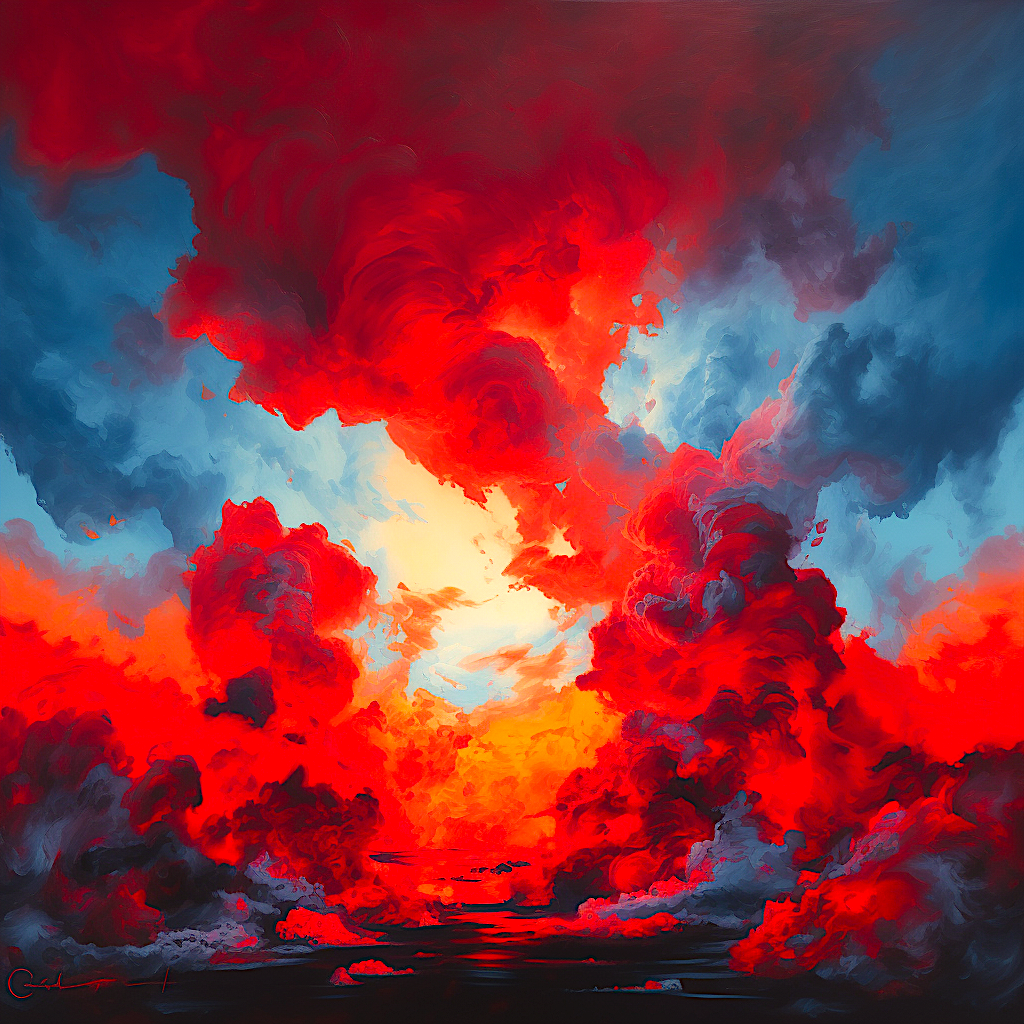
RASTER REFERENCE
Place the intended raster source on the bottommost visible, unlocked raster layer.
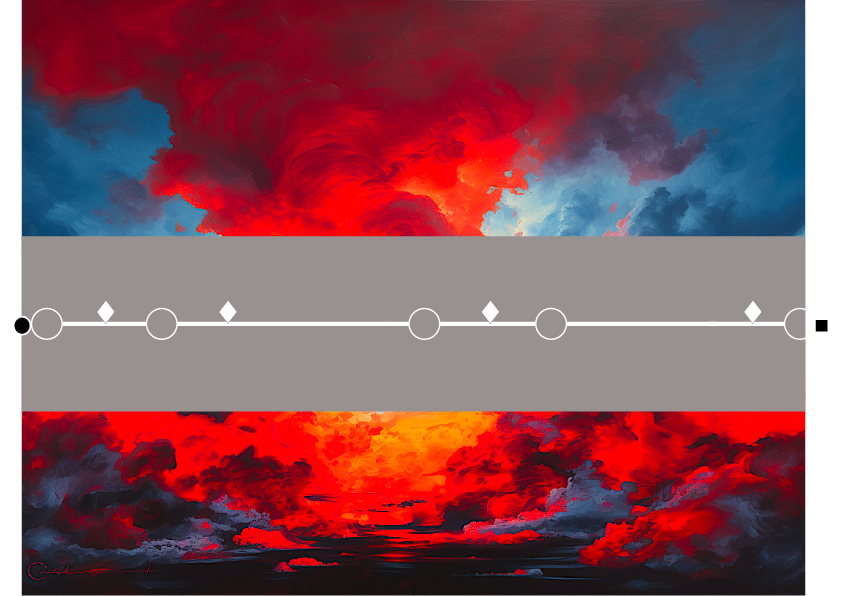
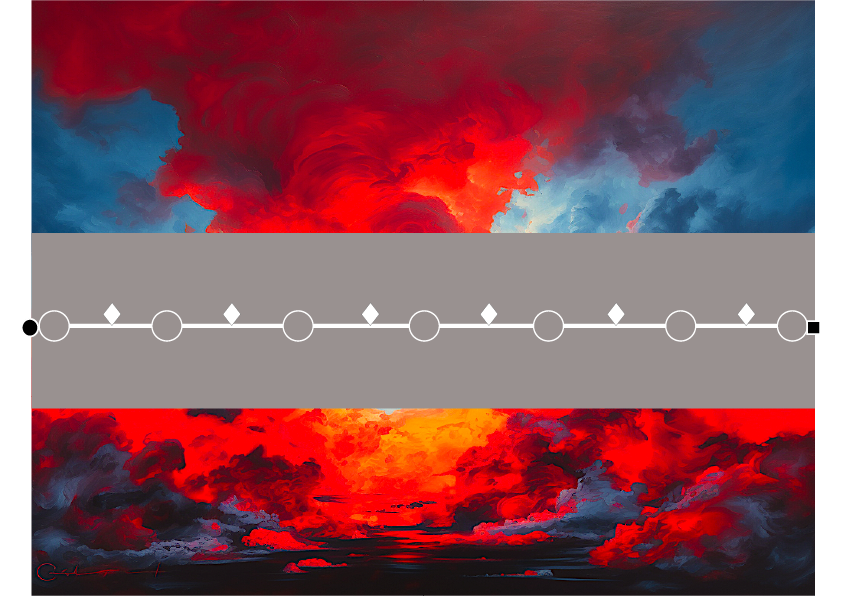
PREPARED VECTOR ARTWORK
Select one gradient-filled PathItem above it.
RUN GRADIENT CATCHER
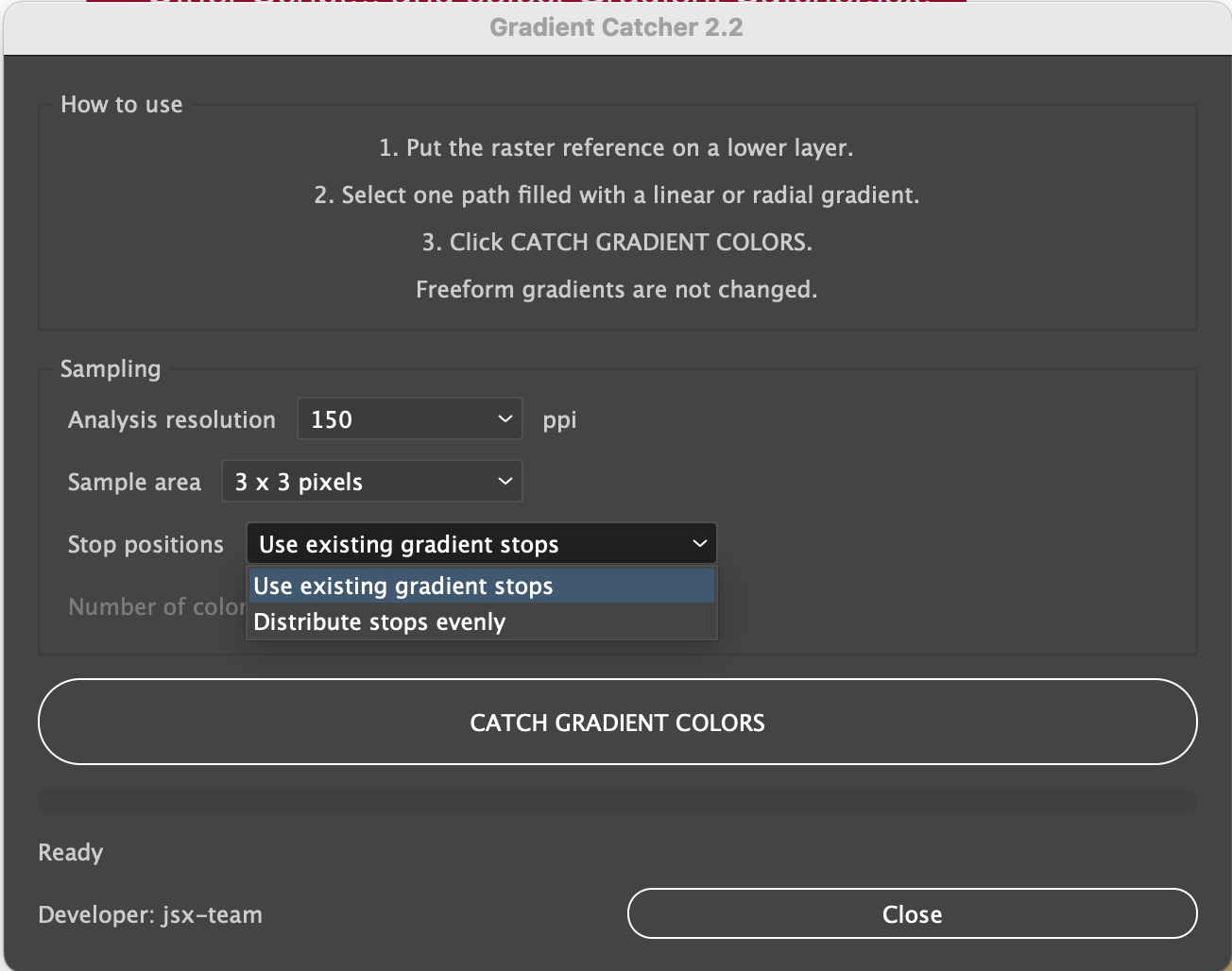
Open File > Scripts > Gradient Catcher. If the script is not installed, choose File > Scripts > Other Script... and select Gradient Catcher.jsx.
Choose analysis resolution and sample area
Select Use existing gradient stops and click CATCH GRADIENT COLORS.
Select Distribute stops evenly. Choose 2 to 20 colors
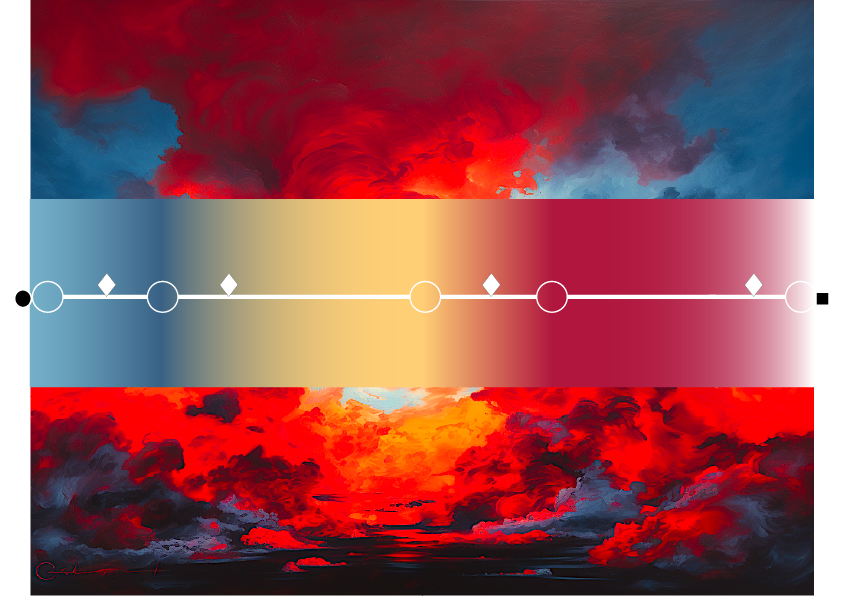
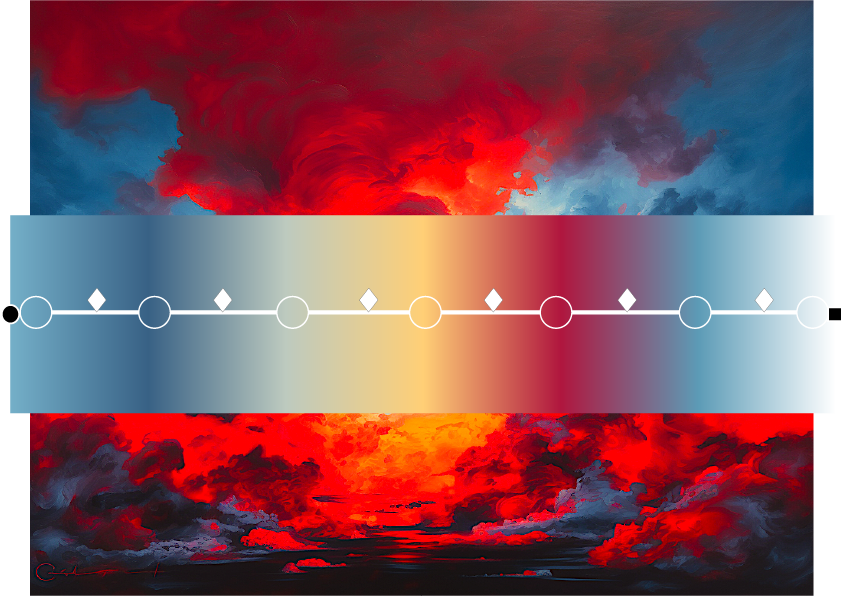
NO MORE MANUAL STOP-BY-STOP COLOR MATCHING.
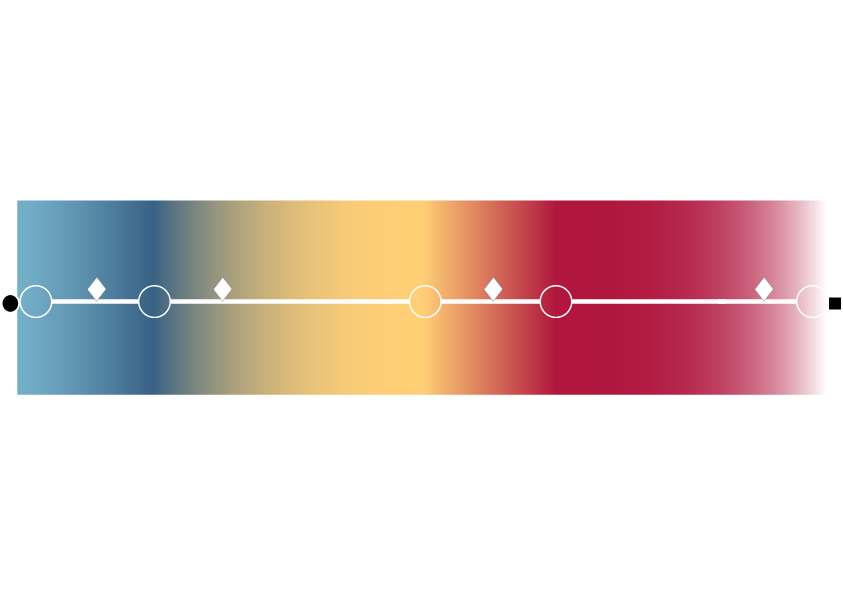
Stop positions, midpoints, opacity, and gradient geometry remain, only the stop colors are replaced with raster samples.
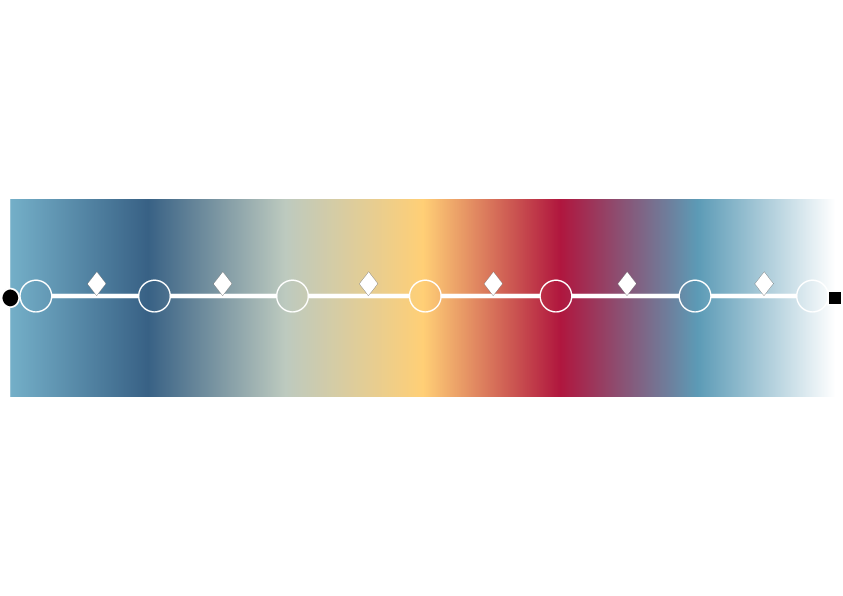
A regular new stop set runs from 0% to 100%; geometry stays intact and every new color comes from the raster reference.
HOW GRADIENT CATCHER WORKS
- Save a document copy and activate the correct artboard.
- Put the raster reference on the bottommost usable visible, unlocked layer.
- Select exactly one path with a linear or radial gradient fill.
- Choose 72, 150, or 300 ppi and a 1 px, 3 x 3 px, or 5 x 5 px sample area.
- Preserve existing stops or distribute 2-20 stops evenly.
- Click CATCH GRADIENT COLORS and inspect the result before saving.
REQUIREMENTS
- Adobe Illustrator 2025, 2026
- macOS or Windows
- RGB document recommended for the closest color match.
- Exactly one selected PathItem with a linear or radial gradient fill.
- A visible, unlocked PlacedItem or RasterItem on the bottommost usable raster layer.
- Every calculated sampling point inside the active artboard.
IMPORTANT TO KNOW
- Freeform gradients are not supported.
- Groups, compound paths, text objects, strokes, and multiple selections are not processed.
- The raster source is selected automatically. Hide, lock, or move unintended lower raster layers.
- Transparent raster areas are rendered over white.
- Radial gradients are sampled along their direction, not around complete circular rings.
- Large artboards and 300 ppi analysis require more time and memory.
- Processing is local; temporary TIFF data is removed after completion.
INCLUDED WITH GRADIENT CATCHER
- Protected Gradient Catcher script - Gradient Catcher.jsx
- Gradient Catcher User Guide
- README_FIRST.txt
- QUICK_START.txt
- USER_GUIDE.md
- CHANGELOG.txt
- ABOUT.txt